Private file vault for Apple devices
Keep private files close, organized, and locked.
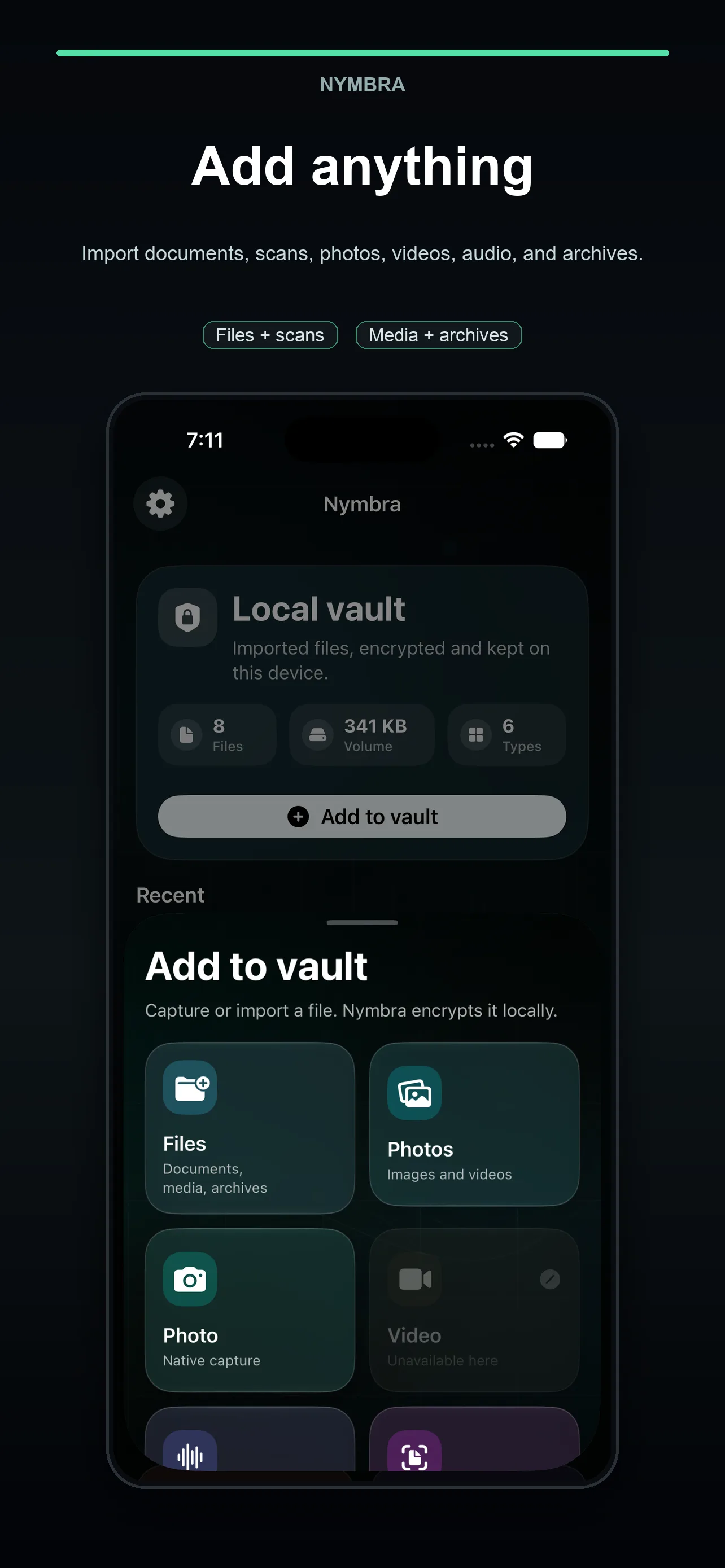
Import documents, images, videos, audio, scans, and archives into a private encrypted vault, with optional iCloud sync for your devices.
- iPhone
- iPad
- Mac
Move from pocket to desk with a familiar vault and an interface designed for each Apple device.
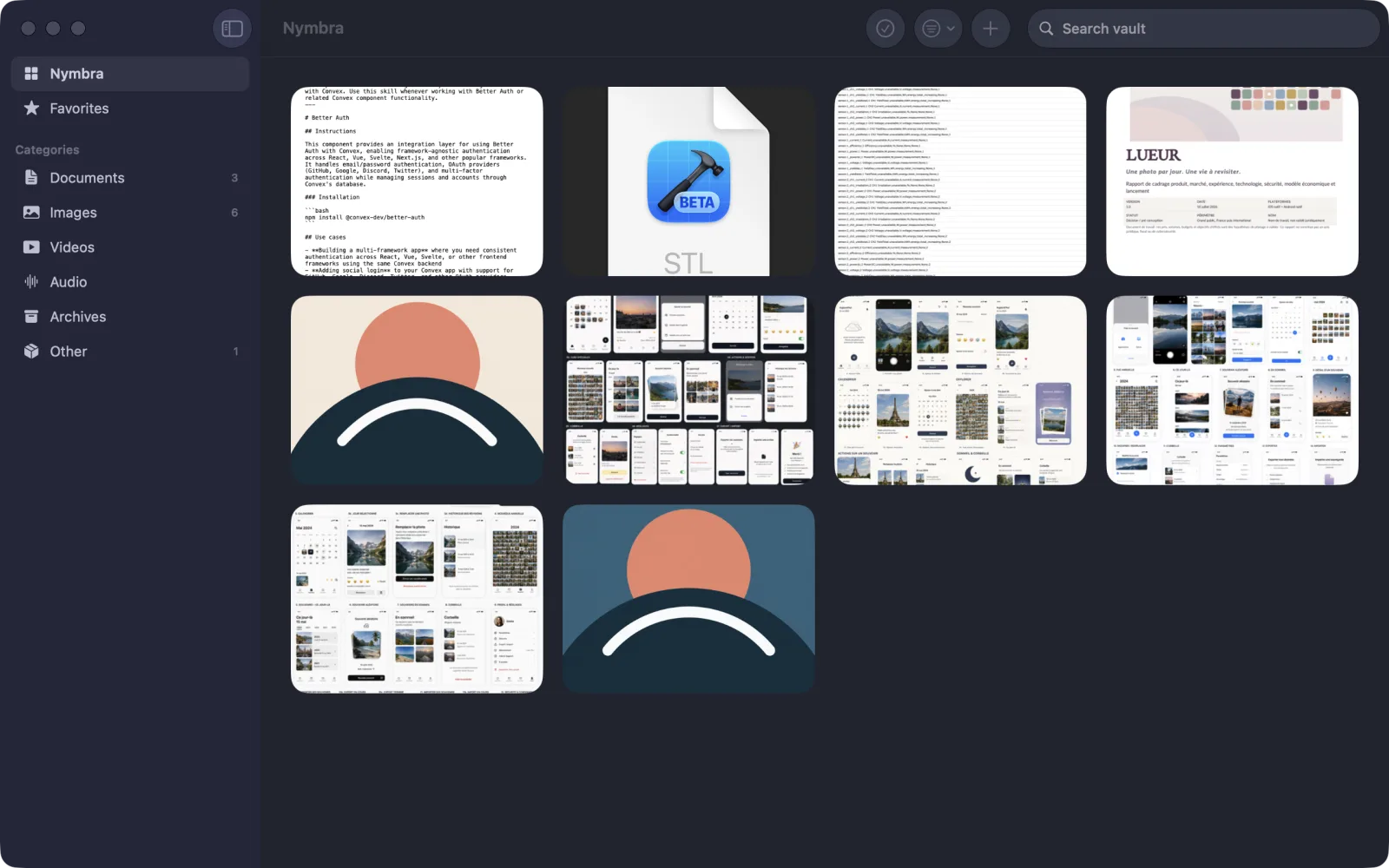
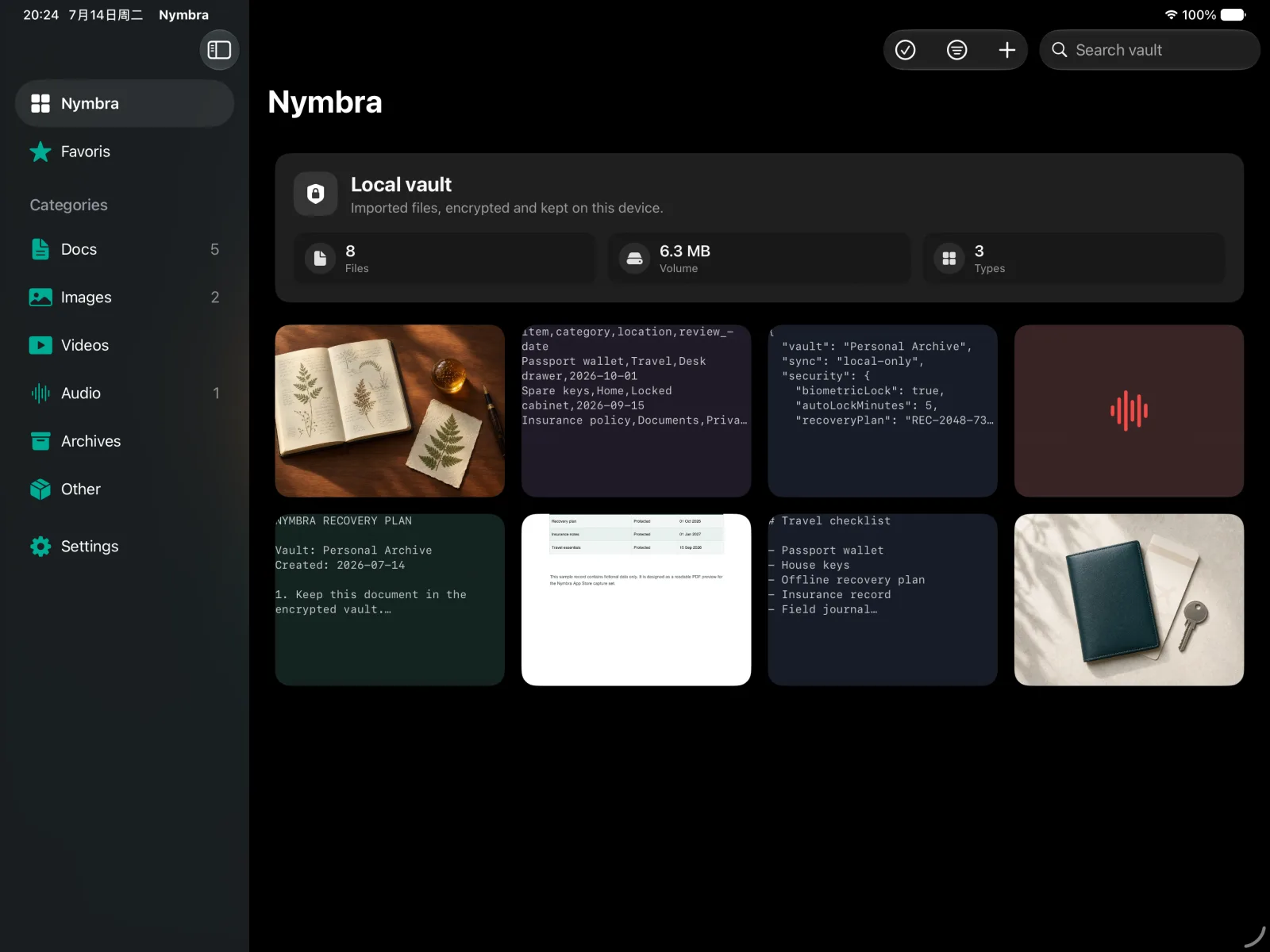
Built around the files you choose to protect
Nymbra creates a protected copy in the app. Your original files remain where they were until you decide otherwise.
Vault content is stored on device by default. If iCloud sync is enabled, encrypted files and vault metadata are stored in iCloud for your devices.
Deleting a Nymbra copy does not delete the source file from Files, Photos, or another app.
Export selected items back to Files, Photos, or the system share sheet when you need them.
File types
A compact workflow for sensitive files
Add, lock, find, preview, favorite, and export without mixing private files into everyday folders.
Add files, document scans, photos, videos, audio recordings, and compatible items from other apps with the share extension.
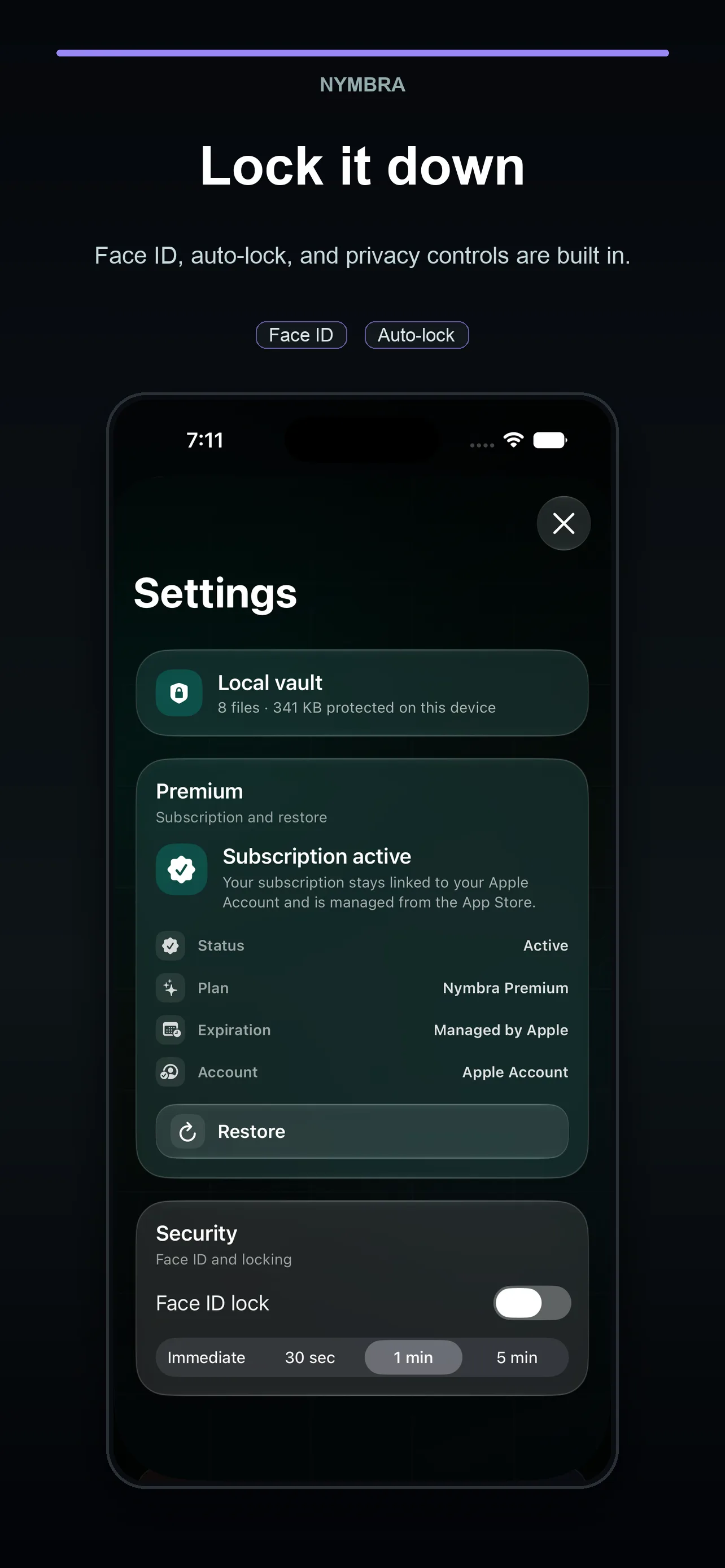
Protect opening with Face ID or Touch ID and tune automatic locking for your own pace.
Documents, images, videos, audio, archives, and other files are grouped automatically.
Search, preview, mark favorites, and open details without leaving the vault flow.
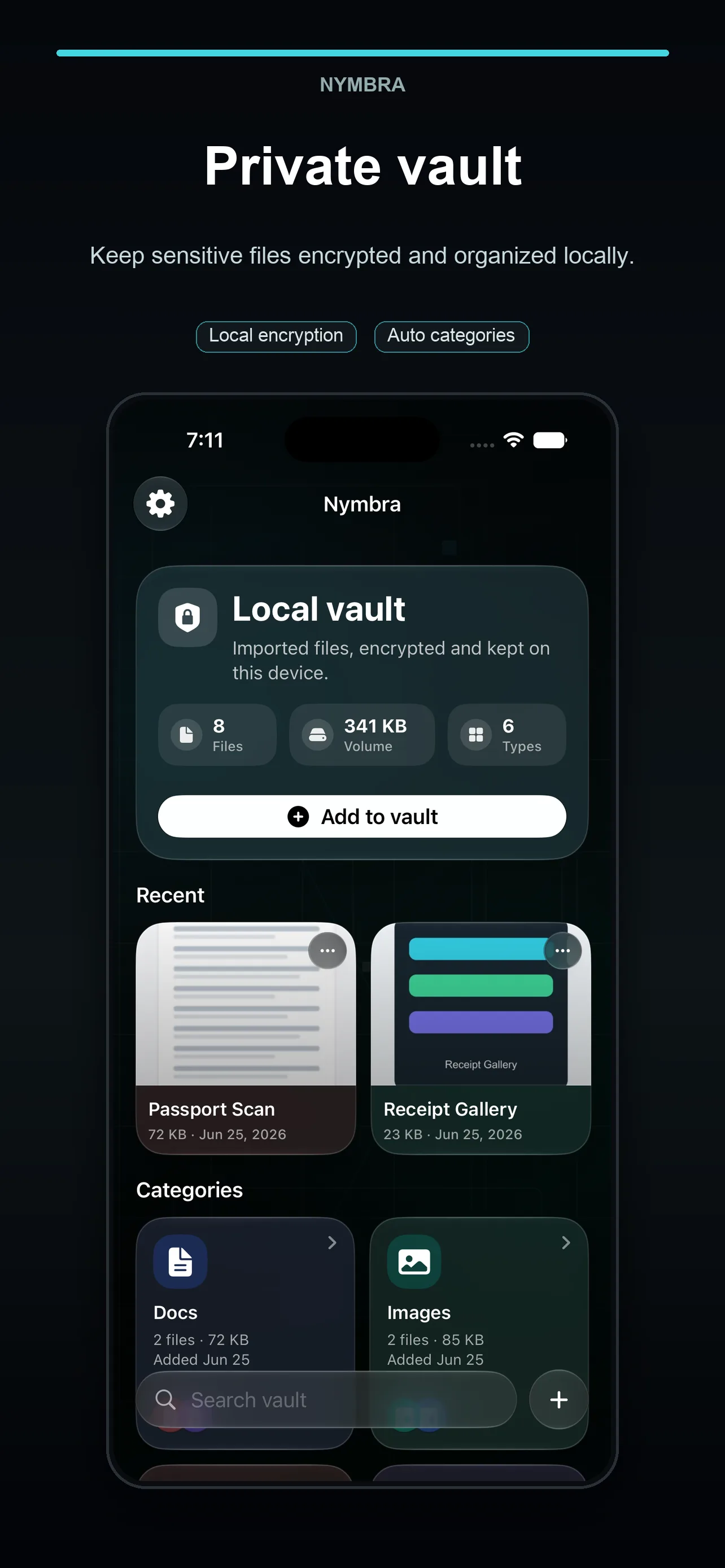
A closer look on iPhone
The same private vault, distilled for quick capture and retrieval wherever you are.
Download Nymbra on iPhone, iPad, and Mac.
One App Store download gives you a private encrypted vault across your Apple devices, with optional iCloud sync.